> For the complete documentation index, see [llms.txt](https://docs.elite.cloud/llms.txt). Markdown versions of documentation pages are available by appending `.md` to page URLs; this page is available as [Markdown](https://docs.elite.cloud/get-started/book-consultation.md).
# 第三步 : 解鎖完整價值
### 預約顧問,獲取您的完整報告 📝
儀表板上初步的數字只是冰山一角,您需要下一步行動。
#### 為什麼需要預約諮詢?
🔍 獲取詳細明細:看到底是哪一台機器、哪一個服務在浪費錢。
🤝 啟動團購折扣:確認您符合哪些折扣資格,並由顧問協助規劃。
🛡️ 資安修補建議:針對掃描出的紅燈風險,獲取具體的修補步驟建議。
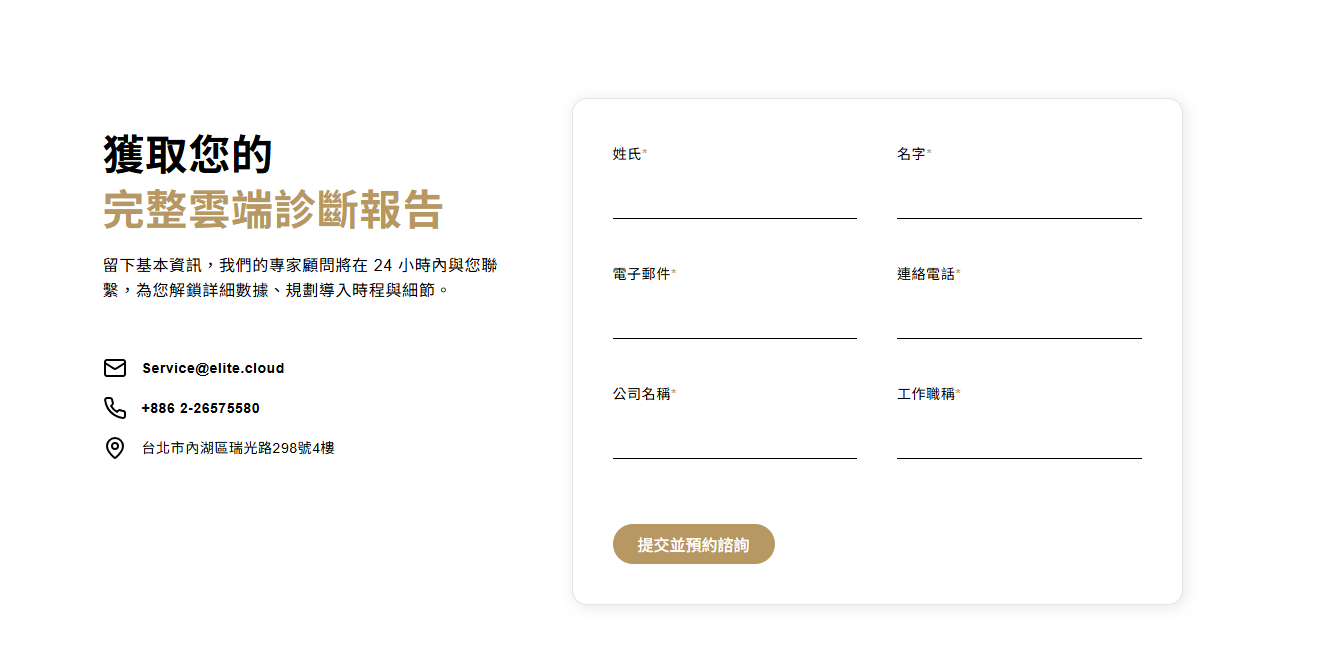
> 無論您想了解合約細節、技術支援或資安加固,請點選報告下方的 【[填表預約專人](https://cost-saving.elite.cloud/dashboard)】。我們的雲端顧問將在 24 小時內與您聯繫,為您解說完整的優化路徑圖!
---
# Agent Instructions
This documentation is published with GitBook. GitBook is the documentation platform designed so that both humans and AI agents can read, navigate, and reason over technical content effectively. Learn more at gitbook.com.
## Querying This Documentation
If you need additional information that is not directly available in this page, you can query the documentation by asking a question.
Perform an HTTP GET request on the following URL with the `ask` and `goal` query parameters:
```
GET https://docs.elite.cloud/get-started/book-consultation.md?ask=&goal=
```
`ask` is the immediate question: it should be specific, self-contained, and written in natural language.
`goal` is what the user is ultimately trying to achieve, the reason they need the answer. Sharing it helps GitBook give you a better, more relevant answer. A goal is most helpful when it describes the outcome the user wants rather than restating the question. For example, with `ask=how do I create an API token`, a goal like `automate deployments from our CI pipeline` lets GitBook tailor the answer to that use case.
The response will contain a direct answer to the question and relevant excerpts and sources from the documentation.
Use this mechanism when the answer is not explicitly present in the current page, you need clarification or additional context, or you want to retrieve related documentation sections.